
All platforms / Invision Community
Invision Community 5 application
Spam protection for Invision Community.
Use the Forum Fortress application within Invision's AdminCP to check supported registrations, forum content, profile changes and contact forms. An install token links the package to the correct community domain.
An Invision Community 5 release supported by the current package, administrator access and a one-time domain-bound install token.

Inside Invision Community
See the integration in action.
Configure Forum Fortress from your forum administrator's interface. Read the full guide for the current screens, exact requirements and troubleshooting advice.
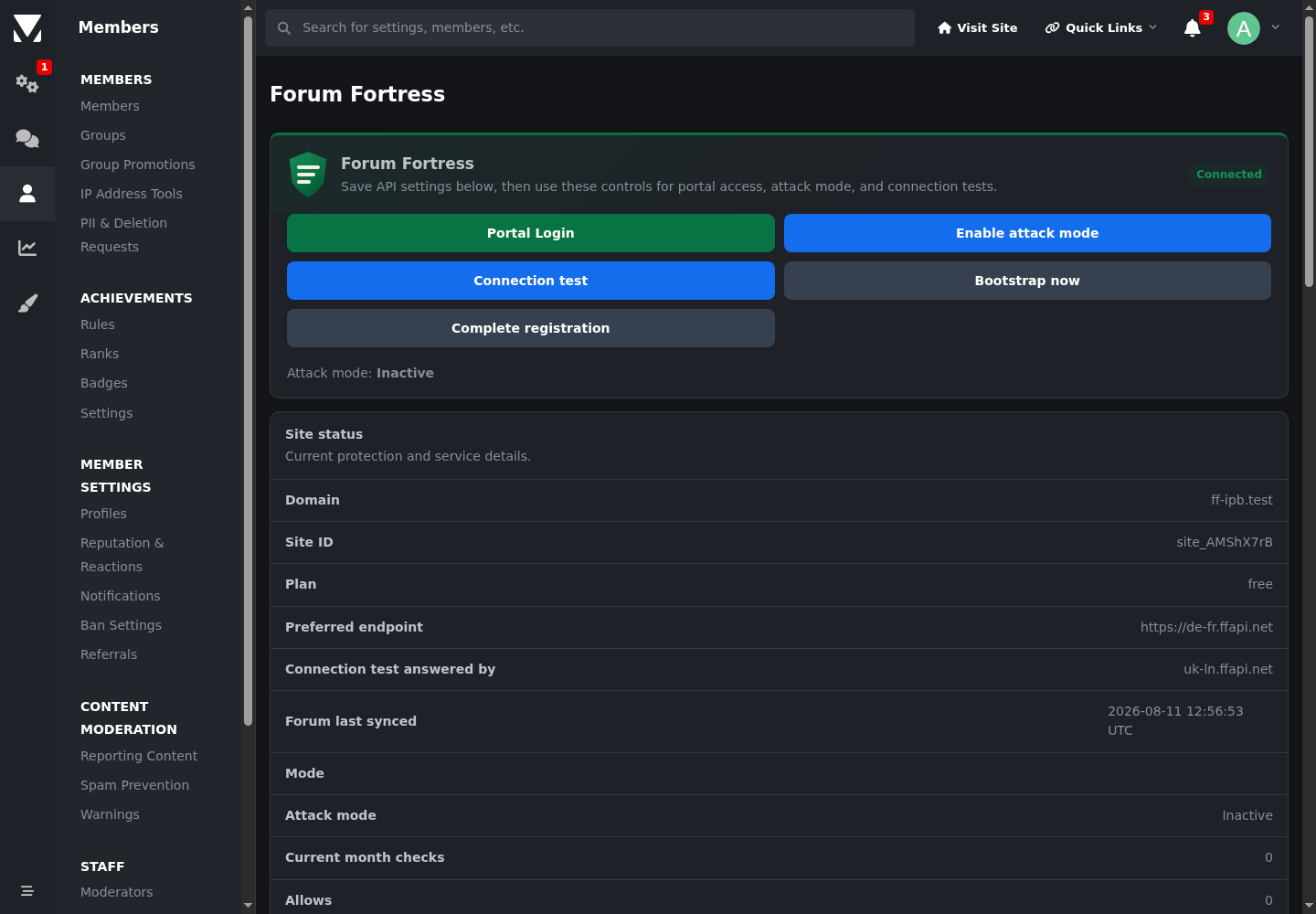
Invision Community protection
Designed for your community's administration workflow
The application adds spam checks while leaving Invision Community's member management and content controls intact. It also provides a route to the optional Forum Fortress portal for decision history.
Install tokens are short-lived and domain-bound. A token for a different domain, platform or expired setup will not work; follow the guide before attempting a live install.
Installation
Get Forum Fortress running on Invision Community.
Check compatibility and obtain a token
Confirm the package supports your Invision Community version and obtain the one-time token for the forum's canonical domain.
Install in AdminCP
Download the current application package and install it through Invision's normal application workflow.
Bootstrap and test
Open Forum Fortress settings, enter the install token and run Bootstrap now or Connection test.
Before you install
Common Invision Community questions
Protect your Invision Community forum.
Start with the plugin for your platform. No CAPTCHA and no portal account required for routine checks.